Unlocking knowledge: Your gateway to the open movement
Welcome to the OpenMovementGBC blog! Here, we explore the world of open access, open-source tools, and ethical digital citizenship. Join us as we uncover resources that empower students and young professionals, making knowledge accessible to all. Let's dive in and discover how open resources can transform your education, creativity, and career.

Open Access Explained: Why It Matters for Students
Have you ever hit a paywall while trying to access a research article or textbook online? This is a common challenge for students—but open access is changing that. Open access (OA) refers to research, articles, and educational materials that are freely available to anyone with an internet connection. It removes barriers to learning, making high-quality resources accessible for all.
Why Students Should Care:
-
Save Money: Instead of paying hundreds for textbooks or journal subscriptions, you can access materials for free.
-
Boost Your Learning: Open access allows you to explore multiple perspectives, find cutting-edge research, and stay ahead in your studies.
-
Collaborate & Share: You can freely share and discuss knowledge with peers, fostering a culture of learning and innovation.
How to Start Using Open Access:
- Search Platforms: Use databases like DOAJ, PubMed Central.
- Check Licenses: Look for Creative Commons licenses to understand what you can share or reuse.
- Cite Properly: Always give credit to authors—ethical use of information matters.
Open access isn’t just a trend—it’s a movement toward inclusive, equitable, and efficient learning. By using OA resources, students gain knowledge faster, save money, and contribute to a culture of open learning.
Sources:
- Suber, P. (2024). What is Open Access? SPARC.
https://sparcopen.org/who-we-are/ - BOAI. (2009). Open Access, Benefits for Students. Budapest Open Access Initiative. https://www.budapestopenaccessinitiative.org/
- Suber, P. (2024). What is Open Access? SPARC.
Digital Citizenship and Your Academic Success
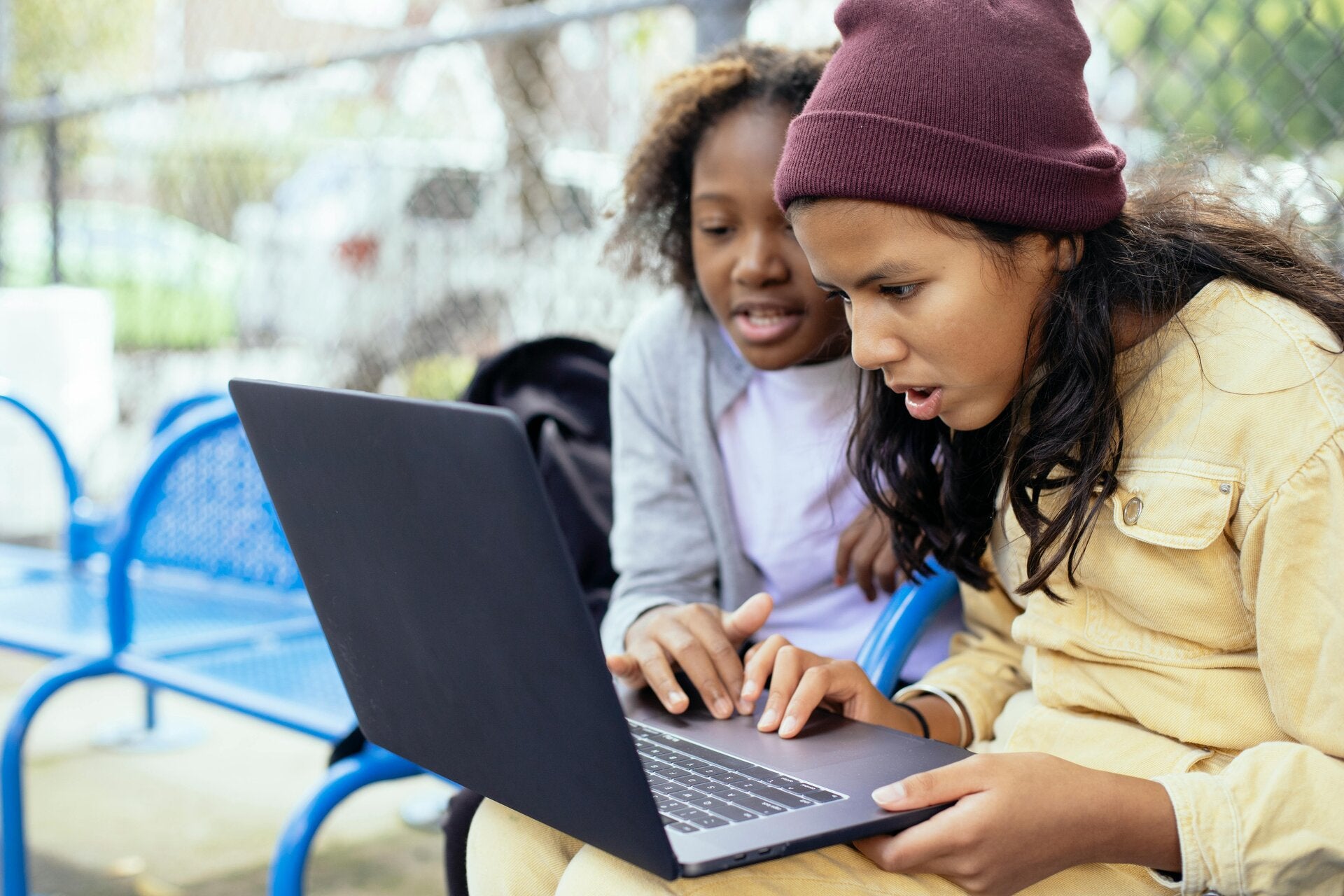
Being a student in today’s digital world isn’t just about using technology—it’s about using it responsibly. Digital citizenship is the practice of engaging ethically and safely online, whether you’re collaborating on assignments, sharing resources, or conducting research.
Key Principles of Ethical Digital Citizenship:
- Privacy & Security: Protect your passwords, use two-factor authentication, and be cautious with personal data.
- Respect & Responsibility: Cite sources, avoid plagiarism, and respect copyright laws.
- Critical Thinking: Evaluate online content for credibility before using it in projects or research.
Why It Matters for Students:
- Builds trust with peers and instructors.
- Helps maintain academic integrity.
- Prevents cyber risks like identity theft or misinformation exposure.
Tips to Get Started:
- Use Trusted Resources: Prefer open-access databases and educational platforms like OpenStax or Khan Academy.
- Check Your Digital Footprint: Google yourself periodically to see what’s publicly visible.
- Collaborate Safely: Use secure platforms for group projects, such as Google Workspace or Overleaf for LaTeX assignments.
Good digital citizenship isn’t optional—it’s a vital skill for academic and professional success. By being responsible, informed, and ethical online, students can fully leverage the opportunities offered by the digital world.
Sources:
- Ribble, M. (2015). Digital Citizenship in Schools: Nine Elements All Students Should Know. ISTE.
https://iste.org/learning-library/books - Wikimedia Foundation. (2024). Digital Literacy and Online Ethics. https://wikimediafoundation.org/
How to avoid copyright problems in school projects
Have you ever spent hours working on a school project only to realize that using certain images, videos, or text could get you in trouble? Copyright laws can be tricky, but understanding them will save you from headaches—and help you produce ethical, high-quality work. Here’s how students can navigate this digital maze safely.
- Understand What Copyright Is
Copyright is a law that protects original works—like music, books, images, videos, and software—from being used without permission. If someone created it, it’s theirs by default. Using it without proper permission or citation can lead to legal trouble, or at the very least, academic penalties.
- Use Open Access and Public Domain Resources
Luckily, not all content is off-limits. Open access and public domain resources are free to use. Open access articles, Creative Commons images, and government-published content are all great options for school projects. Websites like Pixabay, Unsplash, and Wikimedia Commons offer high-quality images that are safe to use—just check the licensing.
- Cite Your Sources Properly
Even if you use a resource legally, you still need to give credit. Proper citations show your teacher or audience that you respect the creator’s work. Follow the citation style your school prefers (MLA, APA, Chicago, etc.).
- Ask for Permission
If you really want to use copyrighted material, reach out to the creator. Many artists and writers are happy to let students use their work for educational purposes if you ask politely and explain how it will be used.
- Create Your Own Content
Whenever possible, make your own images, videos, or graphics. Tools like Canva, Adobe Express, or even your phone camera can help you create original content that’s 100% safe to use.
- Avoid “Fair Use” Misconceptions
Some students assume that using content for school automatically counts as “fair use.” While fair use sometimes applies in educational settings, it’s not a free pass. The rules are complex, so when in doubt, stick to open-access or original content.
- Keep Track of Your Sources
Maintain a simple list of all the resources you use for your project. This habit makes it easier to cite sources correctly and protects you from accidental copyright infringement.
Bottom line: Being mindful of copyright isn’t just about avoiding trouble—it’s about respecting creators and building good research habits. With open-access resources, proper citations, and a little creativity, you can make amazing projects that are completely copyright-safe.
References & Resources:
- Creative Commons – Learn about free-to-use content and licenses.
- Pixabay – Free images and videos for projects.
- Wikimedia Commons – Public domain images.
- U.S. Copyright Office – Educational Use
Create Your Own Website With Webador